Your Blync Pulse, start here.
How to set it up, the plan that comes with it, the warranty and the safety notes — everything that would otherwise be printed in the box, kept here where it cannot get lost.
In the box
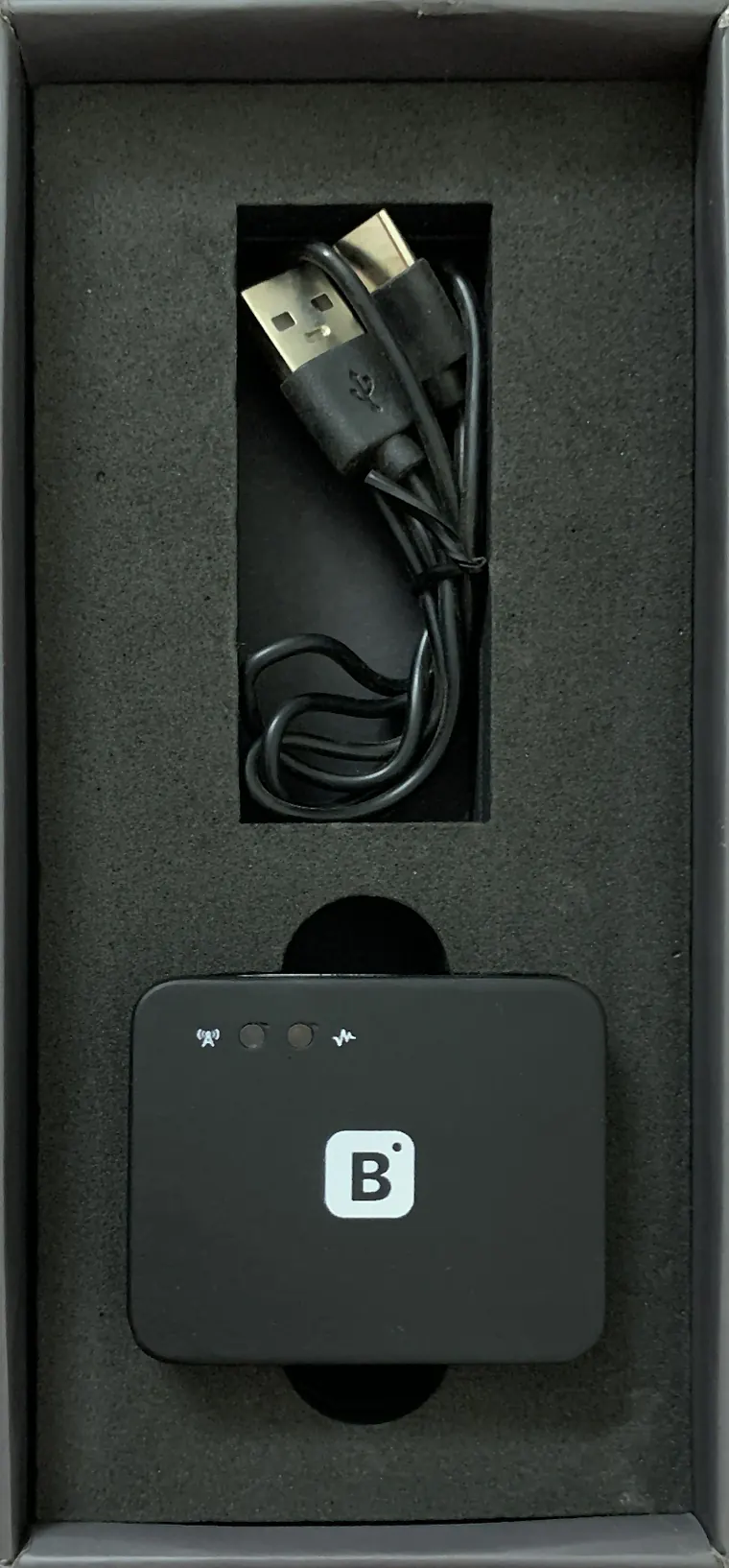
Open the drawer. That is the whole kit.
The device, its USB Type-C cable and an adhesive pad. The QR code on the box is the manual — it brought you to this page.
Setup
Three minutes, no tools, no mechanic.
Out of the box to protected, in three steps. Each preview is what you actually see at that moment.

Scan the code on the box
The QR claims the device to your account and picks up its SIM. No serials, no account codes, nothing to type.
Plug it into any USB port
It charges while the port is live and keeps running on its own cell when the port goes dead. No wiring, no mechanic, no warranty risk.
It finds the sky, and you are covered
Live location and theft alerts switch on free for the first year. The paywall comes after the first success, never before it.
Support
Something is off. Let's fix it in a minute.
Most of what goes wrong is a dead USB port, a missing permission, or a device that has not seen the sky yet.
Didn't find your answer? Email us directly, or check the full specs.
Pricing
Protection is free. You pay for memory and control.
A theft alert or a crash SOS is never behind a payment. If a plan lapses, those keep working.
Protected
Plus
Fleet
Fleet Link controls need the harness on a factory-fit vehicle. Pricing is set at launch, managed in the app, cancel any time.
Specifications
Numbers we can stand behind. Every spec here meets that bar.
From the hardware to the certifications to what's in the box — every figure here is verified, not estimated. Open any category below to see the details.
Cellular bands, approvals, and supported countries depend on the launch market.
Warranty & safety
Protected for a full year.
Every Blync Pulse comes with a 12-month hardware warranty. We keep the terms simple, so you know exactly where you stand.
12 months from the date of purchase
Covers hardware defects under normal use. It does not cover physical damage, water ingress beyond the IP65 rating, or unauthorised modification.
Replacement under warranty
If your device has a genuine hardware defect within the warranty period, we replace it — we don’t offer refunds or exchanges outside these terms. The same conditions apply: physical damage, water ingress beyond IP65, or unauthorised modification void eligibility.
Reach support via email
Facing an issue with your device? Write to us at support@blync-labs.com with your order details, a description of the problem, and any attachments — our team will get back to you.
Crash SOS and safety features
Crash detection and theft alerting are best-effort and depend on sensors and mobile network coverage. They are not a substitute for emergency services.
Be the first to know
One email on launch day with the price and the Amazon link. Nothing else, ever.
Contact us
Support, fleet and OEM
One inbox for everything — hardware, app, billing, or a fleet question. Tell us what's going on and we'll take it from there.